
Overview | News | Windows | macOS | Android | iOS | Audio Formats | Components | Encoder Pack | Screenshots | Help & Support | Developer | Old Versions | Other Projects
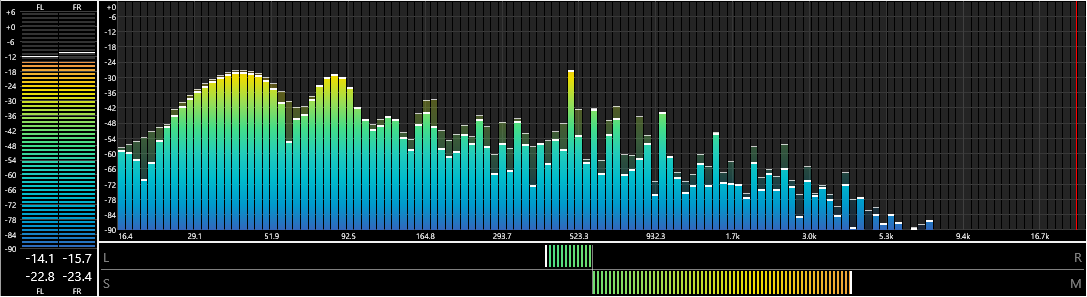
Spectrum Analyzer
By: pqyt
Version: 0.7.3.0, released on 2024-03-09 (archived)
Change log:
-
New: Presets.
- The configuration of the component can be written to and read from preset files (*.fvsa).
- The default location of the preset files is the root of your profile directory but this can be changed.
-
New: Extra styles.
- Bar Area: The new name for the Bar Spectrum style.
- Bar Top: Defines the style for the top of the spectrum bar. Defaults to color source None for backwards compatibility.
- Peak Area: Defines the style for the area below the peak indicator. Defaults to color source None for backwards compatibility.
- Peak Top: The new name for the Peak Indicator style.
- Improved: LED mode properly renders the 'LEDs' as blocks.
- Improved: The font of the graph description can be specified.
- Improved: Dark mode tooltips.
- Fixed: Multiple controls were not updated when switching graphs in the configuration dialog.
Supported systems: Windows 32-bit, Windows 64-bit.
advertisement
Links
View version history
View latest version and component description
Home page
Documentation
Discussion
Source code
advertisement
How to install a component?